Branded Visitor Experience: Quick Wins for Client Welcome
12 October 2026
Why the Welcome Starts Before the Handshake
A client's first impression is rarely your reception desk — it's the sign-in screen, the form, the badge. A generic check-in signals "we haven't thought about this" before anyone says a word. The fix isn't a reception redesign. It's a handful of high-leverage branding wins you can roll out this week.
What You'll Need Before You Start
- A visitor management system with custom branding and digital badges — Entrica's Professional plan covers both.
- Your logo as a high-resolution PNG with transparency.
- Your brand colours (hex codes are fine).
- A short, welcoming message that sounds like your firm, not a government form.
The Quick Wins
1. Brand the Sign-In Screen First
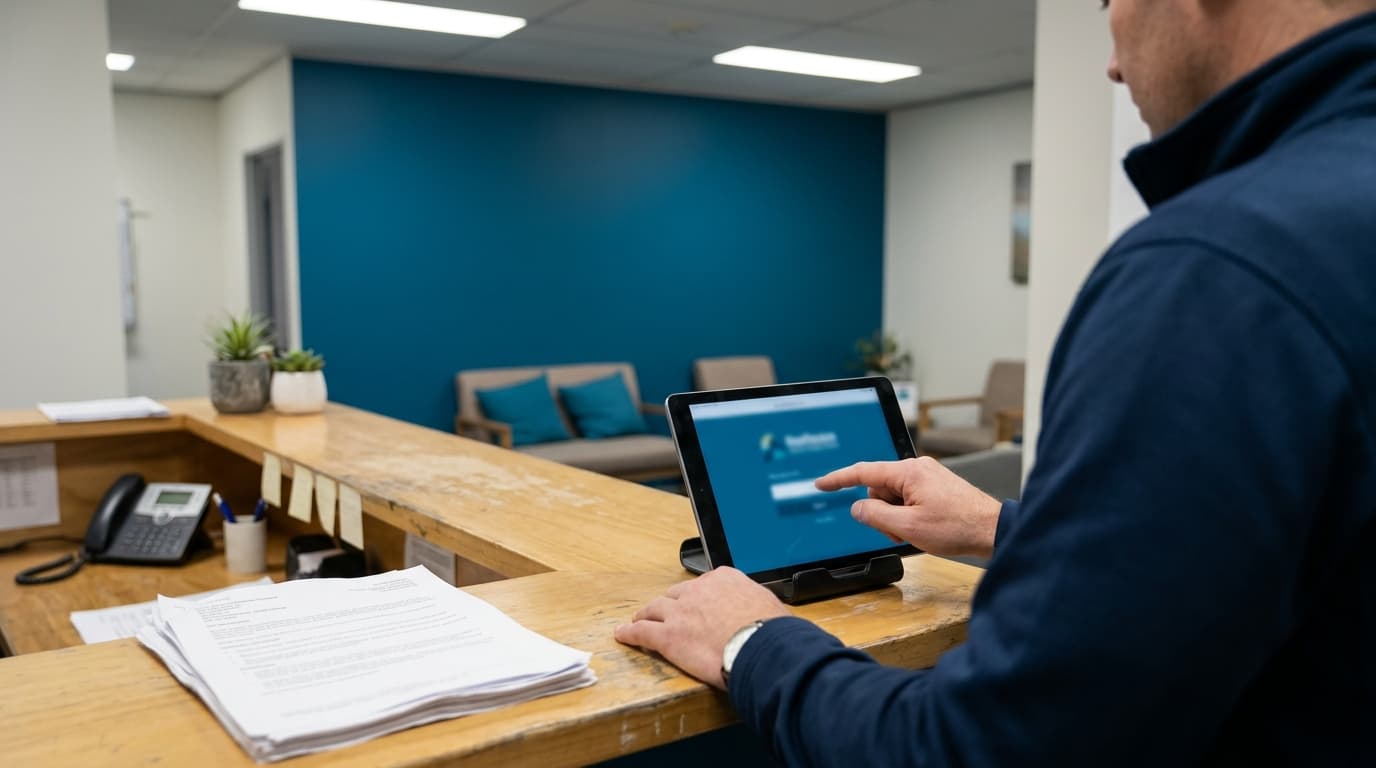
This is the highest-visibility screen in the entire journey. Upload your logo, set your brand colours, and remove generic platform text. Visitors should feel they've arrived at your business, not at a software product. If your system lets you name the kiosk or location, use your company name, not a device ID.
2. Write a Welcome Message in Your Own Voice
Don't leave the default text in place. Write two short sentences: one that acknowledges the visitor by purpose ("Welcome to your appointment with...") and one that says what happens next. Avoid paragraphs. A tired client who just parked the car won't read more than two lines.
3. Make Pre-Registration the Default for Meetings
The most branded experience is the one that feels frictionless. When a client is pre-registered, they confirm details on arrival instead of typing everything from scratch. Send the pre-registration link from your own domain or branded platform, and the professional impression starts before they leave the office. Pre-registration is a Professional feature.
4. Deliver a Badge Worth Carrying
A printed sticky label is forgettable. A digital badge, emailed as a PDF with your logo and the visitor's details, is a small piece of collateral. It doubles as a practical record of the visit. Make sure the badge is on-brand: the PDF should use the same logo, colours, and type style as the rest of your materials.
5. Make the Host Notification Part of the Experience
Looks matter, but timing matters more. If the host is notified via email or SMS the moment the visitor signs in, the client never stands around waiting. The brand experience is defined as much by the absence of awkward silence as by the logo on the screen.
6. Test the Entire Flow as a First-Time Visitor
Do this on a real phone, not a desktop. Walk the path: tap the sign-in option, complete the form, receive the badge, notice how long each step takes. Ten minutes will show you exactly where the experience feels generic or clunky.
Common Mistakes to Avoid
- Treating branding as a logo upload. The tone of your welcome message and the speed of your host notification carry as much brand weight as the colour scheme.
- Overwriting the badge with clutter. Keep it clean; too much text makes it look like a systems printout, not a brand moment.
- Forgetting the returning client. A returning visitor who types everything again feels the friction every time. Use the returning visitor lookup to shorten the repeat visit.
- Skipping the mobile view. Most visitors use their own phone via NFC or QR. If you only check desktop, you're missing the real experience.
Conclusion
A branded visitor experience is not a project. It's six small decisions, applied consistently, that tell a client you were ready for them. With a tool like Entrica, the branding, pre-registration, and digital badge pieces are already in place — you just need to make them look like you.