QR Codes vs. Tablet Kiosk: Which Sign-In Method Is Right for Your Office?
18 May 2026
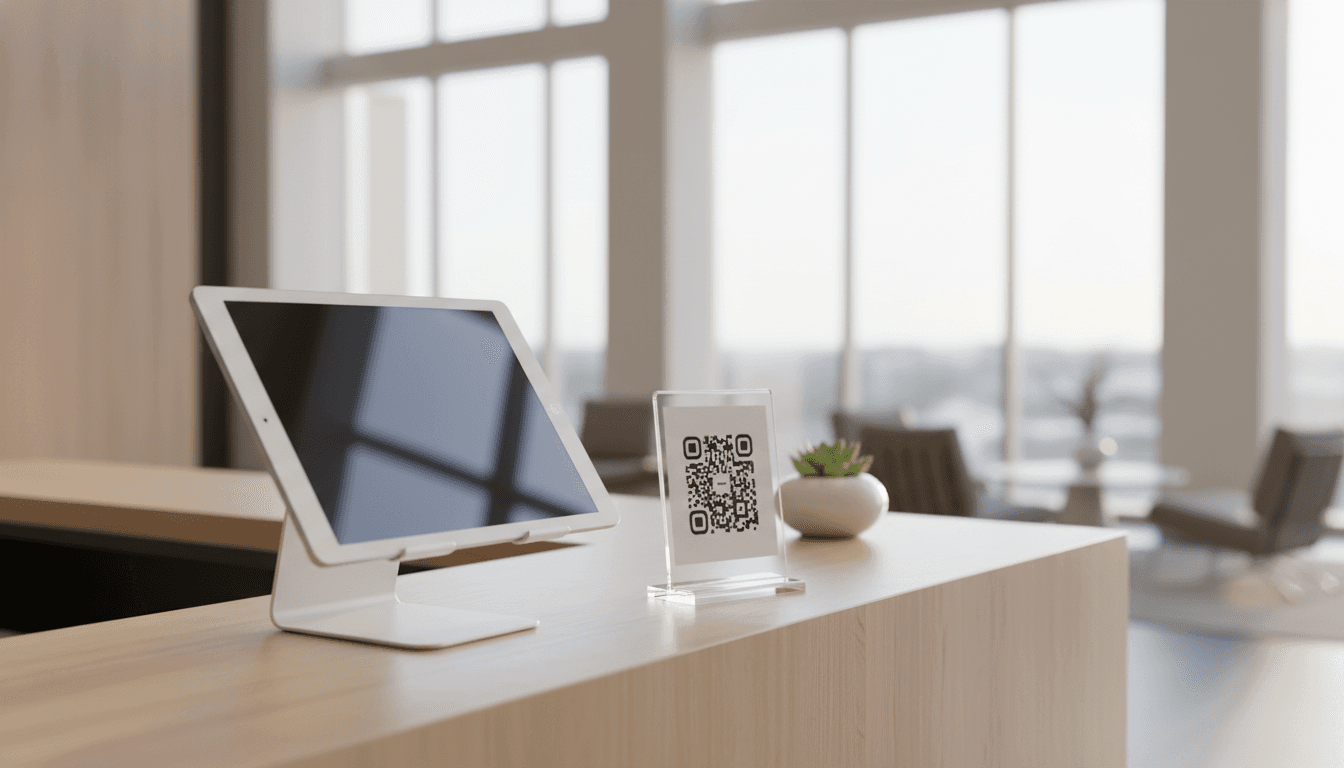
Two Great Options, One Decision
When implementing a visitor management system, most businesses face the same early question: QR code on a stand, or a dedicated tablet kiosk?
The good news: there's no wrong answer. The right choice depends on your space, your visitor volume, and the experience you want to create.
The Case for QR Contactless
A printed QR code (or an NFC-enabled card) is the lightest-weight option. Visitors scan it with their phone, fill in their details, and they're done.
Best for:
- Solo professionals and small practices without a dedicated reception
- Spaces where budget or simplicity is a priority
- Any situation where you want zero hardware maintenance
- Mobile or temporary setups
Advantages:
- Nothing to charge, update, or replace
- Works on every modern smartphone
- Visitors use their own familiar device
- Print a new code if anything changes. No reconfiguration needed.
The Case for Tablet Kiosk
A dedicated iPad or Android tablet mounted at reception creates a more guided, branded experience. It's the option that most closely replicates a staffed reception.
Best for:
- Offices with consistent visitor volume
- Environments where not all visitors will have smartphones (or be comfortable using them)
- When photo capture or badge printing is important
- Larger co-working spaces and clinics
Advantages:
- Fully branded, immersive experience
- Can capture photos for ID verification
- Works offline if connectivity drops
- More visible and intuitive for first-time visitors
Why Not Both?
Entrica supports both modes from a single account. Many customers start with QR, then add a kiosk as they grow, or run both simultaneously for different entry points.
The decision isn't permanent. Start simple, see what works, and expand.