Meet your visitor management assistant.
Not a chatbot. A fully interactive agent that does most of the job for you. Ask in plain words: it finds the answer, fills in the form, signs the visitor out and walks you through the setup. You check it and press Confirm.
No extra charge. Included in every plan.
Your assistant, in your pocket.
On your phone it opens full screen. Check your drills, see who is on site or sign someone out, from the car park or between meetings.
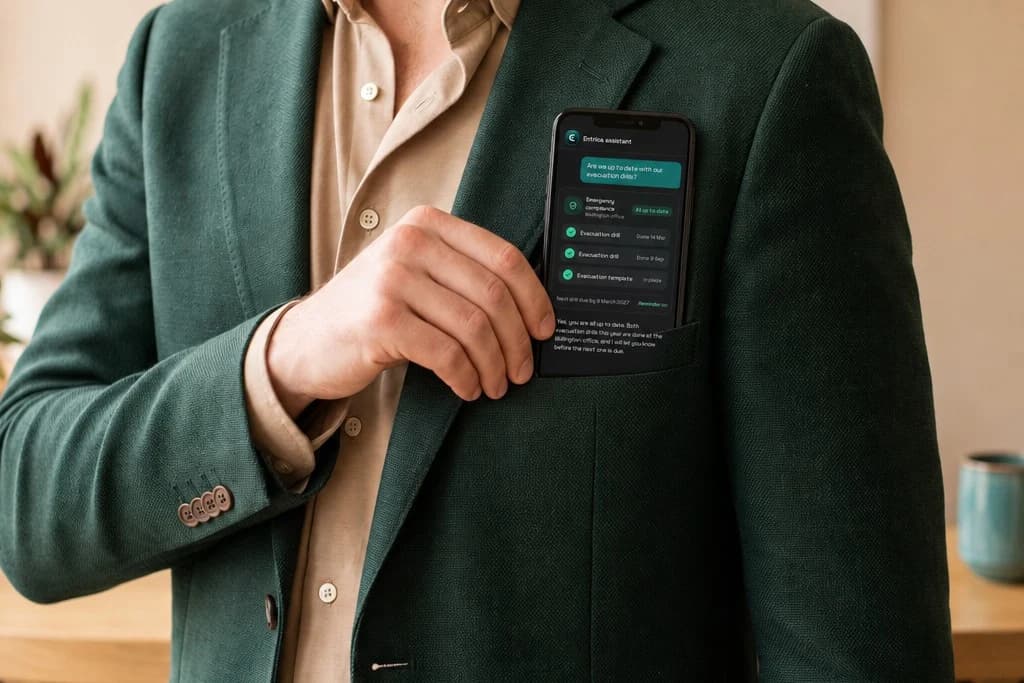
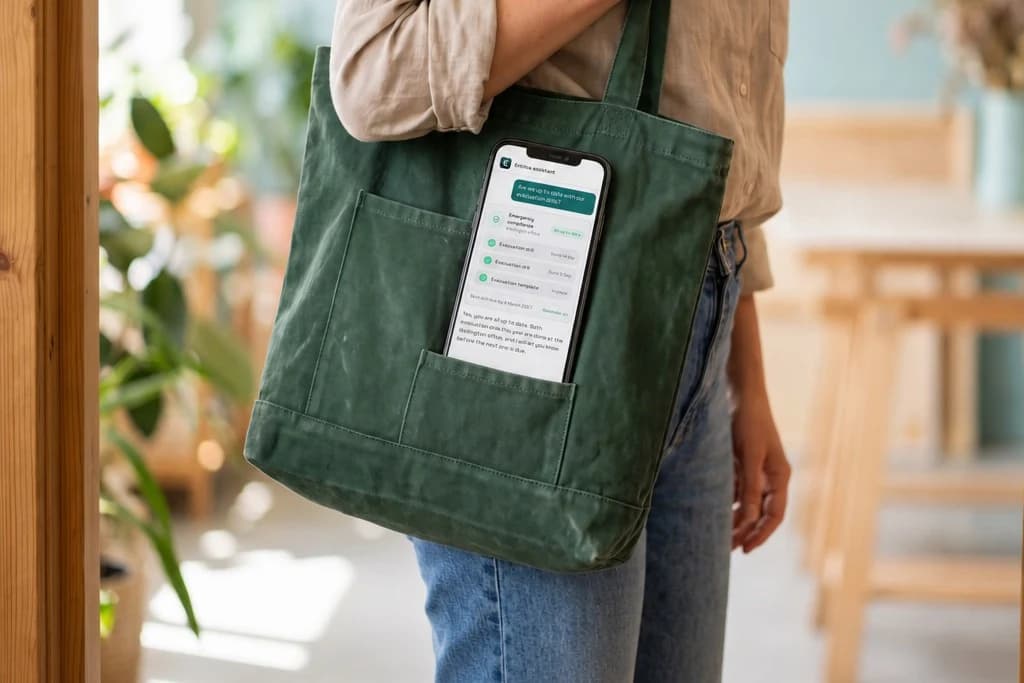
Ask it the way you would ask a colleague.
Plain questions. Answers come back as cards and charts you can open. Pick one to see it in the demo.
On site and emergencies
Reports and charts
Setting up
Day to day
Same question. A very different answer.
Who is on site right now?
I can't see your visitor records. To check who is on site, sign in to your dashboard and open the visitors page. This article may help:
How to view your visitors
Who is on site right now?
Four visitors are signed in at the Wellington office.
On site now
Data as at 12:31
Sarah Mitchell
Visiting J. Thompson
in at 9:14
James Okafor
Contractor, Hāwea Electrical
in at 10:02
Tom Reeves
Visiting S. Williams
in at 11:48
Elena Costa
Interview with M. Park
in at 12:05
It does the clicking.
You make the call.
Other tools give you a chat window. The Entrica assistant works on your real screen.
Fills in the form, you check it
Ask for a new employee or visitor and the assistant fills in the form on screen. Every field it touched is marked, and Undo puts it back. It never presses Save for you.
Shows you where things are
Ask how to do something and it walks you through the real screen, one highlighted step at a time.
Takes you to the right page
Ask for today's signed in visitors and it opens the visits table with the filter already set.
Speaks up when something needs you
A kiosk goes offline, an import finishes, a drill is coming due: it tells the people whose role needs to know. Safety notices can never be muted.
Remembers how you work
Ask it to remember something and it does. You can see, change or delete what it keeps, and admins can add notes for the whole company or a single location.
Straight from the app.
Real screens from a demo account with made-up data.
Room to work, with every chat kept
Open the assistant full screen. Past chats stay in the list, ready to pick up again.
Takes you to the right screen
Ask for the active employees and the list opens with the filter already on.
Reads your documents
Attach a PDF and ask about it. It answers from what the document says.
Want to see it working for your team? Book a short demo.
Careful by design.
An assistant that can change your records has to earn that. These rules are built in, not settings someone can forget.
- It only sees what your role and your locations let you see.
- It suggests a change and waits. No record changes until you press Confirm.
- It cannot delete records, and it never starts or ends an emergency.
- Email addresses and phone numbers are kept from the assistant, so it never reads them out.
- Each company has its own separate database. The assistant only ever works inside yours.
- Saying “I am the administrator” changes nothing. Your role decides what it can do.
See it in action.
You ask, it does the work, you approve. Book a demo to see what it can take off your plate.